Blog
How to Choose the Right Meraki Licence for Your Business


Cisco Meraki is one of the most capable cloud-managed networking platforms on the market. We know that understanding the different licensing models so that you can understand what is behind each licence. This will help you compare tiers and term lengths to help you make an informed decision.
CloudSE has been supplying Meraki hardware and licences to UK businesses for years, and is now backed by G5 Technologies, an Aberdeen-based managed service provider with over 20 years of experience managing Meraki environments for clients across the UK. Our aim is to help you implement your Meraki ecosystem into your business, not just sell you the Meraki licence and hardware.
Why Meraki Uses a Licence-Based Model
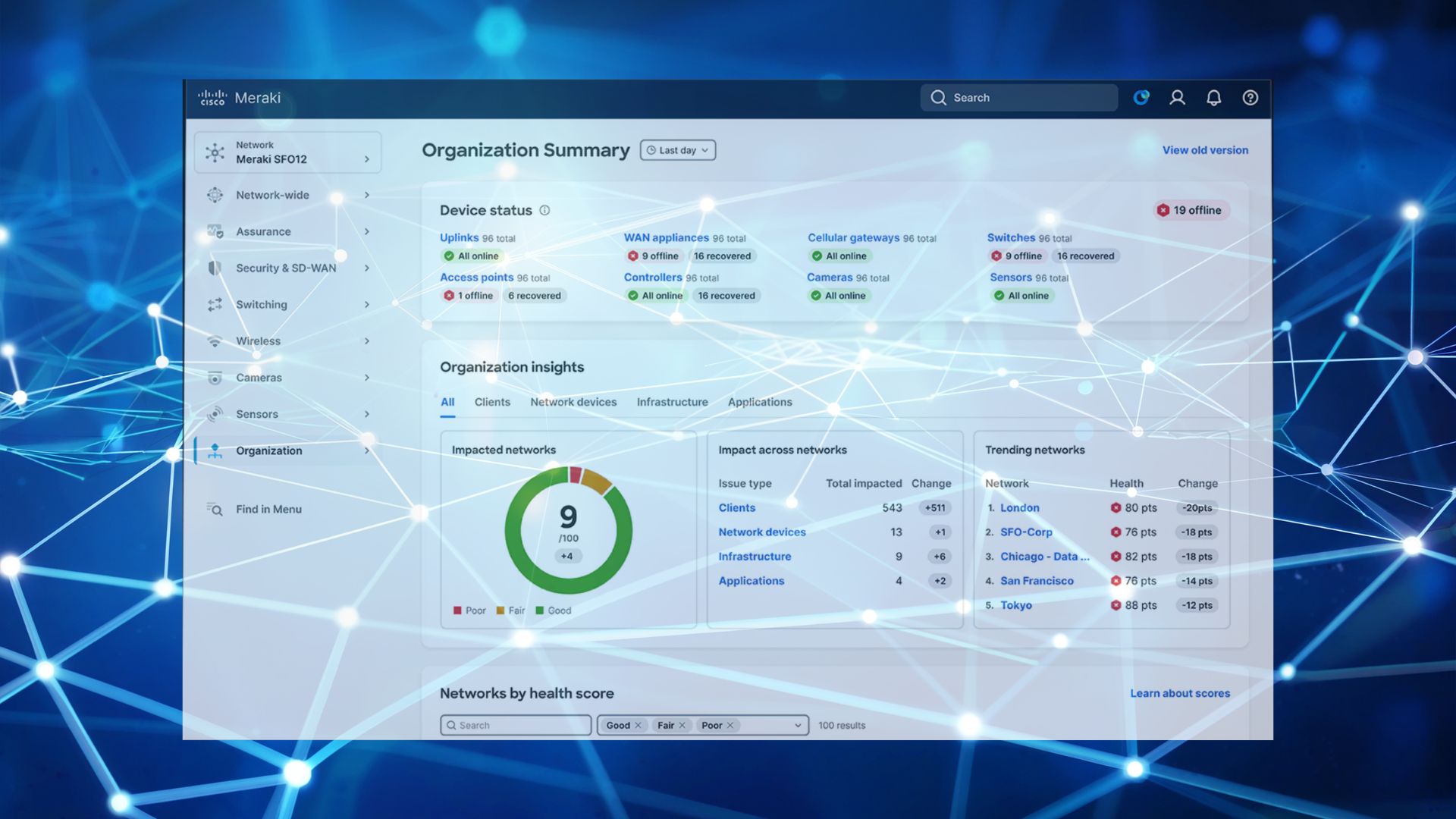
Meraki devices are built around a cloud-managed architecture. The cloud dashboard is where every switch port, access point, and firewall rule is configured, monitored, and changed. Without an active licence, that management layer becomes unavailable. The device does not stop passing traffic, but you lose the ability to make changes, see what is happening, or receive support from Cisco TAC.
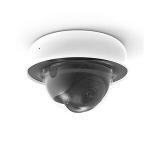
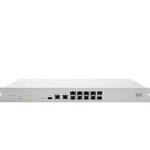
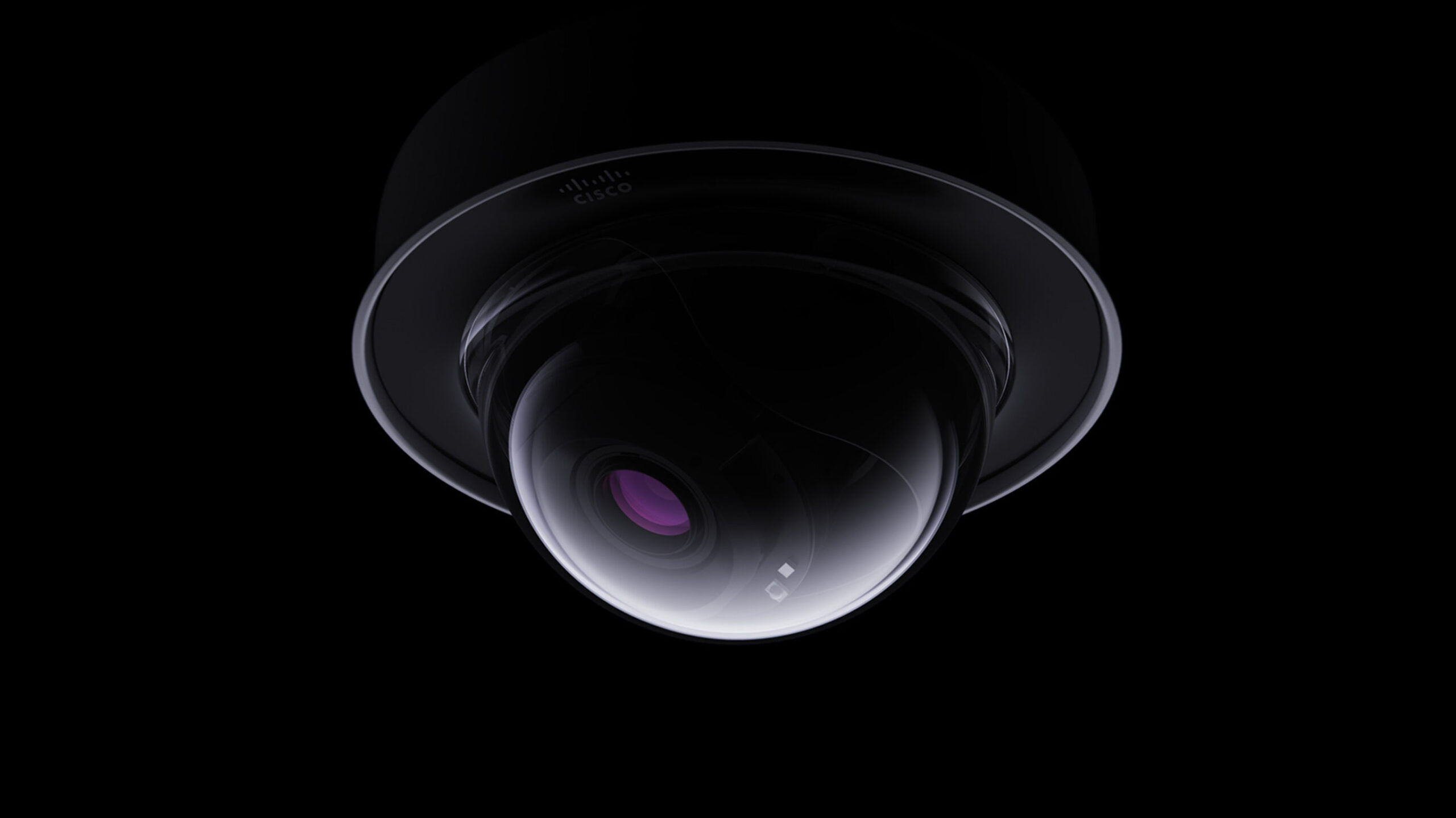
This model is consistent across the Meraki product range: MX security appliances, MS switches, MR access points, MV cameras, and MG cellular gateways all require active licences to remain under cloud management. The licence is not optional; it is the mechanism by which the platform operates.
The Two Licence Tiers Explained
Meraki licences come in two primary tiers. The right choice depends on where in the network the device lives and what you expect it to do.
Enterprise is the standard tier. It covers cloud management, firmware updates, hardware replacement warranty, and Cisco TAC support. It is the correct choice for the majority of internal infrastructure: access switches, wireless access points, and cameras. Most UK SMBs running Meraki will find Enterprise covers everything they use day to day.
Advanced is available on selected device families, most significantly the MX security appliance range. It adds intrusion detection and prevention (IDS/IPS), advanced malware protection (AMP), content filtering with category controls, and enhanced threat intelligence. These are substantive security capabilities, not marketing tiers.
Decision rule: If a device sits at the network perimeter and is expected to act as a security gateway, Advanced is usually the correct choice. For internal switches and access points, Enterprise is sufficient. Applying Advanced licences across an entire fleet when only the MX appliances require them is the single most common way businesses overspend on Meraki.
Choosing Your Term Length: 1, 3, or 5 Years
| Term | Best for | Trade-off |
|---|---|---|
| 1-year | Pilots, short leases, uncertain rollouts | Highest cost per year; annual renewal admin |
| 3-year | Most SMBs | Best balance of value and flexibility |
| 5-year | Stable, mature environments | Best per-year value; less flexibility |
Choose a longer term if you can answer YES to all of the following:
- Site count is stable and unlikely to change
- Headcount is broadly predictable over the period
- No office moves, acquisitions, or re-architecture are planned
- You are committed to Meraki as your platform
If any answer is no, the flexibility of a shorter term is worth the higher annual cost.
Common Mistakes to Avoid
Over-speccing: buying Advanced when Enterprise is sufficient. Access points and internal switches don’t use Advanced security features. Applying Advanced licences to these devices means paying for capabilities that will never activate.
Under-speccing: Buying Enterprise when security features are required. If your MX appliance is the primary perimeter security device, Enterprise alone leaves IDS/IPS and advanced malware protection unavailable.
Letting licences lapse. Expiry means losing dashboard access immediately. Config changes cannot be pushed, visibility disappears, and support stops. This is one of the most avoidable disruptions in Meraki management. CloudSE provides renewal tracking to prevent it.
Mismatched term lengths across a fleet. Staggered expiry dates across devices and sites create recurring admin overhead. Co-terming everything to a single renewal date is best practice and significantly easier to manage.
How G5 Technologies and CloudSE Approach Licensing
Most resellers will quote whatever tier and term you ask for. G5 Technologies and CloudSE take a different approach. Before making a recommendation, we review your network architecture, device types, and what you actually need the network to do. CloudSE acts as the supply and procurement layer, while G5 Technologies provides the managed operational experience behind the recommendation. Whether you need a straight licence supply or ongoing managed Meraki support, the advice is grounded in what actually works in production, not what maximises the invoice.
FAQ
Do I need Advanced for an MR access point?
No. Meraki MR access points are licensed on the Enterprise tier. Advanced security features — IDS/IPS, AMP, and content filtering — are not available on MR devices regardless of licence tier. Advanced is primarily relevant to MX security appliances deployed at the network edge. For access points, Enterprise is both the correct and the only applicable tier.
What happens if my Meraki licence expires?
When a Meraki licence expires, the device loses cloud dashboard access. You can no longer push configuration changes, view network analytics, or access Cisco TAC support. The device continues forwarding traffic based on its last saved configuration, but with no ability to update, troubleshoot remotely, or receive firmware patches. Security posture degrades silently. A dedicated renewal process, covered in our next post, prevents this entirely.
Meraki Enterprise vs Advanced: which is right for most SMBs?
For most UK SMBs, Enterprise licences on switches and access points plus Advanced licences on MX security appliances, is the correct split. This reflects how the devices are actually used: internal infrastructure needs cloud management and support (Enterprise); perimeter security devices benefit from active threat detection and malware protection (Advanced).
How does Meraki licensing compare to traditional networking?
Traditional networking gear (unmanaged or on-premises managed switches, for example) requires no ongoing licence — the hardware works indefinitely after purchase. Meraki’s value proposition is the cloud management layer, which requires an active licence to operate. Buyers moving from traditional kit often underestimate this ongoing cost. It should be treated as part of the total cost of ownership from day one, not as an unexpected renewal.
Your Next Step
If you’d rather not guess, send CloudSE your current setup, including device types, site count, headcount, and lease situation and we’ll recommend the right licence mix.
Browse the full Meraki licence range on CloudSE | Book a free consultation