Blog
What Happens When a Meraki Licence Expires and How to Renew Without Disruption



In most cases, the issue isn’t awareness but a problem with the process. Licences are sold in one, three or five-year cycles and reminder emails are often sent to outdated inboxes of people who have left the company. G5 Technologies, an Aberdeen-based MSP with hands-on operational experience managing your Meraki licence renewals bought via the CloudSE website.
As a managed service provider, we oversee your renewals to ensure that you don’t have any disruptions.
What Happens When a Meraki Licence Expires
The device does not stop working immediately. When a Meraki licence expires, the hardware continues forwarding traffic based on its last saved configuration. Your network stays up. Packets keep moving. To a user on the floor, nothing looks wrong.
What you lose is control. The moment a licence expires, the following capabilities are removed:
- Cloud dashboard access — you cannot log in to view, change, or monitor the device
- Configuration pushes — no remote changes can be made to firewall rules, VLANs, SSIDs, or any other settings
- Firmware updates — security patches and feature updates stop
- Cisco TAC support — your support entitlement lapses immediately
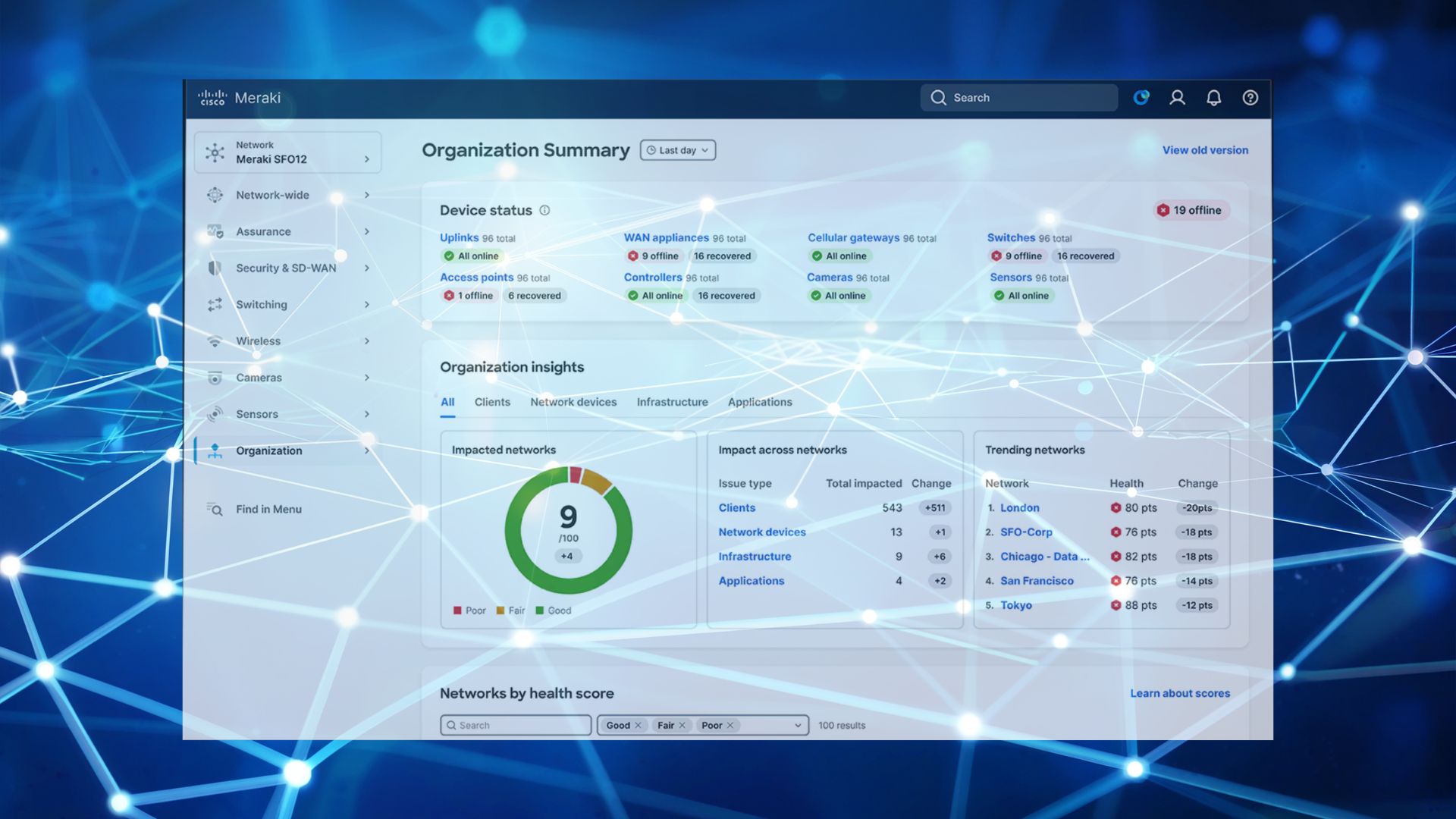
- Alerting and visibility — traffic analytics, client visibility, and network health monitoring go dark
The result is a network that is running but unmanaged. It will handle today’s traffic, but you have no ability to respond to a security incident, push an emergency config change, or troubleshoot a fault remotely. For a business running multiple sites through Meraki, this is a serious operational exposure.
How Long Before You Lose Access Entirely?
Meraki operates a grace period after expiry, but it is not a safety net to rely on.
At expiry: Dashboard access is suspended. The device enters a read-only state for a short window, then management is removed entirely.
After the grace period: The device is effectively unmanaged and unsupported. It will not accept new licences applied retrospectively without going through a reinstatement process that takes time and, in some cases, involves additional cost.
The practical implication: Treat the licence expiry date as a hard deadline, not a soft warning. Renewal should be processed before expiry, not after.
The Right Way to Manage Meraki Renewals
A clean renewal process has three components: visibility, timing, and co-termination.
Visibility: know what you have and when it expires.
The Meraki dashboard shows licence expiry dates per organisation. If you manage multiple organisations, common in multi-site or multi-entity businesses, each has its own licence view. The most common reason renewals are missed is that no single person owns the expiry calendar. Buying your licences through CloudSE, G5 Technologies ensures that all your subscriptions are monitored to stay up to date.
Timing: renew at least 30 days before expiry.
This gives enough lead time to process purchase orders, handle any procurement approval cycles, and apply licences before the deadline. CloudSE and G5 Technologies, you will be dealing with a person and not just an email reminder. We will talk to you about your renewal reminders and proactive quotes, so you’re not chasing around the day the licenses expire.
Co-termination: align all licences to a single expiry date.
If you’ve added devices at different times, you likely have licences expiring at different points across the year. Co-terming, aligning everything to one date, is best practice. It reduces admin overhead, makes budgeting predictable, and eliminates the risk of a single device falling out of coverage unnoticed.
What to Do If Your Licence Has Already Expired
If you’re reading this because expiry has already happened, the steps are straightforward but time-sensitive.
- Contact G5 Technologies immediately. CloudSE can process emergency renewal orders and apply licences to restore dashboard access. The sooner this happens, the less exposure you carry.
- Do not reboot affected devices. While the device is running on its last config, a reboot in an unlicensed state can cause unexpected behaviour on some Meraki hardware. Leave it running until the licence is restored.
- Audit what changed while you were blind. Once dashboard access is restored, review the event log and client list. You had no visibility during the lapse, a post-reinstatement review is good hygiene.
- Set up co-termination and a renewal calendar before the next cycle. One expiry event is a mistake. Two is a process failure.
How G5 Technologies Handles This for Managed Clients
For businesses running Meraki under a managed service agreement, licence expiry should never be something you think about. G5 Technologies monitors licence status across all managed environments, initiates renewal conversations well in advance of expiry dates, and manages the co-termination process on the client’s behalf.
G5 Technologies has operated as an MSP for over 20 years. Licence management is part of the operational baseline for every Meraki environment they manage. If your current reseller is leaving renewal reminders to you, that’s a gap worth addressing. You can find out more about what CloudSE and G5 Technologies offer through managed Meraki support.
FAQ
Does a Meraki device stop working when the licence expires?
No, not immediately. The device continues forwarding traffic on its last saved configuration. However, cloud dashboard access, remote management, firmware updates, and Cisco TAC support are all suspended at expiry. The network appears operational to end users but is unmanaged, unsupported, and cannot be changed or monitored remotely.
Can I renew a Meraki licence after it has already expired?
Yes, but it is more complicated than renewing before expiry. Lapsed licences can be reinstated, but the process takes longer and may involve additional steps depending on how long the device has been out of coverage. Renewing before the expiry date is always the correct approach. If expiry has already occurred, contact CloudSE to process an emergency renewal as quickly as possible.
What is Meraki licence co-termination?
Co-termination is the process of aligning all Meraki licences within an organisation to a single expiry date. When devices are added at different times, they accumulate staggered expiry dates that create ongoing admin overhead and increase the risk of one device lapsing unnoticed. Co-terming consolidates everything to one renewal event. Meraki’s dashboard supports pro-rata co-termination so you only pay for the actual days of coverage needed to align dates.
How much notice should I give before a Meraki licence renewal?
A minimum of 30 days is recommended to allow for internal purchase order approvals, reseller processing time, and licence application. For larger estates or organisations with longer procurement cycles, 60–90 days is more appropriate. CloudSE provides proactive renewal reminders so this is handled before it becomes urgent.
What happens to Meraki security features when a licence expires?
Advanced security features like IDS/IPS, advanced malware protection and content filtering stop functioning at licence expiry alongside dashboard access. An MX appliance with an expired Advanced licence is no longer actively inspecting traffic or applying threat intelligence updates. This is a material security exposure, particularly for businesses relying on Meraki as their primary perimeter defence.
Your Next Step
Renewal management is one of those tasks that feels administrative until the moment it isn’t. If you want it off your plate entirely, managed Meraki support through G5 Technologies covers licence monitoring, proactive renewal, and co-termination as standard.
If you’re managing renewals yourself, CloudSE can provide a licence audit and renewal schedule for your current estate, no commitment required. Browse the Meraki licence range on CloudSE or get in touch with your current device list and we’ll do the rest.