Blog
How to Use the Meraki Dashboard API to Report on Devices, Licences and Firmware


The Meraki Dashboard API answers the question that lands in every IT inbox at renewal time: “How many devices do we have and when do the licences run out?”
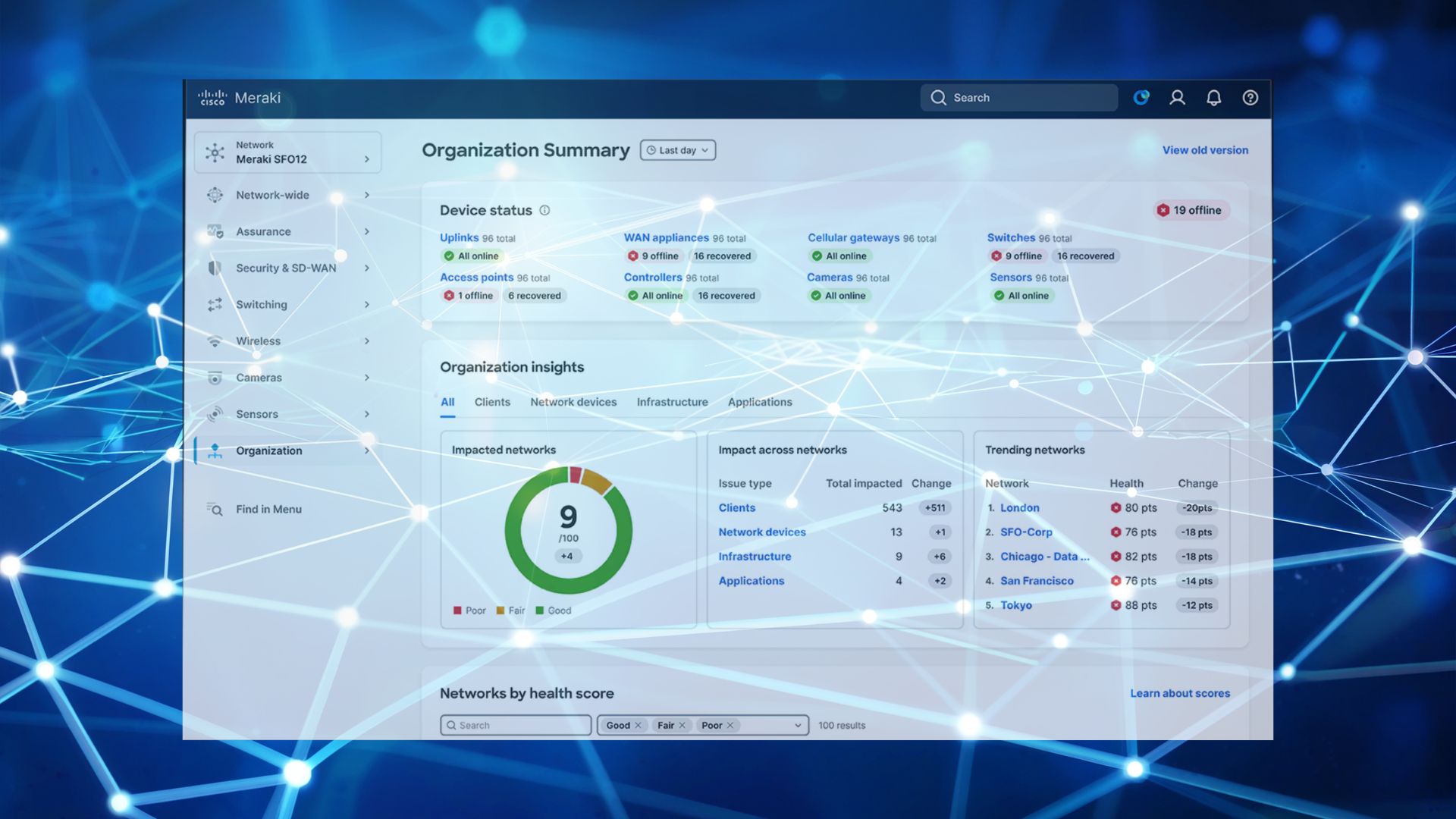
For a single network, that’s a two minute answer. The Meraki dashboard shows you what’s connected, what’s licensed and what firmware it’s on, all in one screen.
Across eight networks and three organisations, it’s an afternoon. You click through each one, write down what you find, and end up with a spreadsheet that starts going out of date the moment you save it. Then someone asks again next quarter and you do the whole thing over.
The Meraki Dashboard API turns that afternoon into three calls, and gives you the same answer for every site at once.
What can you do with the Meraki Dashboard API?
The Meraki Dashboard API gives you programmatic access to everything the dashboard holds: device inventory, licence position, firmware versions and upgrade schedules, network configuration and client data. Businesses mostly use it for three things. Reporting across multiple organisations, making bulk configuration changes, and feeding Meraki data into whatever system they already run asset management from.
It reads and writes. For reporting you can ignore the write half completely, which keeps things simple and keeps things safe. Three read calls from the Meraki Dashboard API cover most of what anyone actually asks for.
Where your licences stand
GET /organizations/{organizationId}/licenses/overview
Returns the date every licence in the organisation expires, how many are active, expiring or already gone, and anything unused sitting in the account.
That unused count is worth looking at first. Most businesses have Meraki licences they’ve already paid for that were never assigned to a device: a site that got cancelled, an order that came in larger than the deployment, kit that was replaced under warranty. Applying those before you renew is money straight back, and it can bring a renewal quote down significantly.
What you actually own
GET /organizations/{organizationId}/devices
Serial numbers, models, names, and which network each device belongs to. This is the list you check the asset register against, and the one that tells you whether the access point someone swore was decommissioned last year is still in a cupboard, still licensed, still costing you.
What firmware is doing
GET /organizations/{organizationId}/firmware/upgrades
Upgrades by network, with status, scheduled time, product type and the versions moved from and to. Useful when a site starts playing up and you want to know what changed and when.
Run those three across every organisation you manage and you have the answers before anyone thinks to ask the question.
How do you enable the Meraki Dashboard API?
Two steps, both inside the dashboard.
- Turn on access for the organisation under Organisation → Settings → Dashboard API access
- Generate a key from your own profile page
There’s one thing to get right before you generate it. Your Meraki Dashboard API key inherits the permissions of the account that created it. Make it from a full admin login and you’ve just created a key that can reconfigure your entire network, and that key will end up pasted into a spreadsheet or a scheduled job somewhere.
Create a separate account with read only permissions and generate the key from that instead. It does everything described here and cannot change a single setting. That’s a key you can hand to a reporting tool, or to a supplier, and not think about again.
Do you need a developer to use the Meraki Dashboard API?
No. Nobody has to build anything.
- Postman runs the calls and shows you the results. No code at all.
- Excel with Power Query can call the Meraki Dashboard API directly and refresh a sheet whenever you open it. For a licence report, that’s usually the entire solution.
- Cisco’s Meraki Python library if you want it scheduled and landing in an inbox without anyone touching it.
The full endpoint list lives in Cisco’s Meraki API documentation, with sample requests in most common languages.
Can you report on licences across multiple Meraki organisations?
Yes, and this is where it earns its keep. Call the Meraki Dashboard API licence overview endpoint once per organisation and combine the results into one sheet. It’s the standard approach for anyone running more than one Meraki organisation, and the reason a good MSP can tell you your expiry position without logging in to check.
Three moments where that turns a long job into a short one.
Renewal. You renew what you have rather than what last year’s spreadsheet claimed you had. In practice that usually means renewing less.
Hardware refresh. A live inventory shows you which sites are running older models, so budget goes where the risk is instead of where the loudest complaint came from. It also gives you a proper list to price up when you come to replace switches or security appliances.
Quarterly housekeeping. Fifteen minutes tells you whether firmware has drifted between sites, whether anything is sitting unclaimed, and whether an expiry date has crept up on you while you weren’t looking.
How G5 can help: we run this reporting for our managed clients as standard, so licence dates and device counts are already on the table before the renewal conversation starts. If you’d rather own it yourself, we’ll set it up and hand you the keys.
Talk it through with us
If you want one view of every Meraki device, licence and firmware version across your sites, we’ll set the reporting up and keep it running.