Blog
Cisco Meraki Licence Renewal Checklist


Your Cisco Meraki licence renewal is the perfect opportunity to check if your infrastructure is still fulfilling your company’s needs. We have put together a step-by-step guide to help you assess your infrastructure before renewal.
Step 1: Start by assessing your current Cisco Meraki Licence
Are you paying for licences on devices you no longer use?
Networks change all the time. An office moves, a floor gets reconfigured, a switch is swapped out or a site closes. Most of the time the hardware gets sorted, but the licences get left behind. This happens because a lot of the time it’s different teams dealing with the two parts.
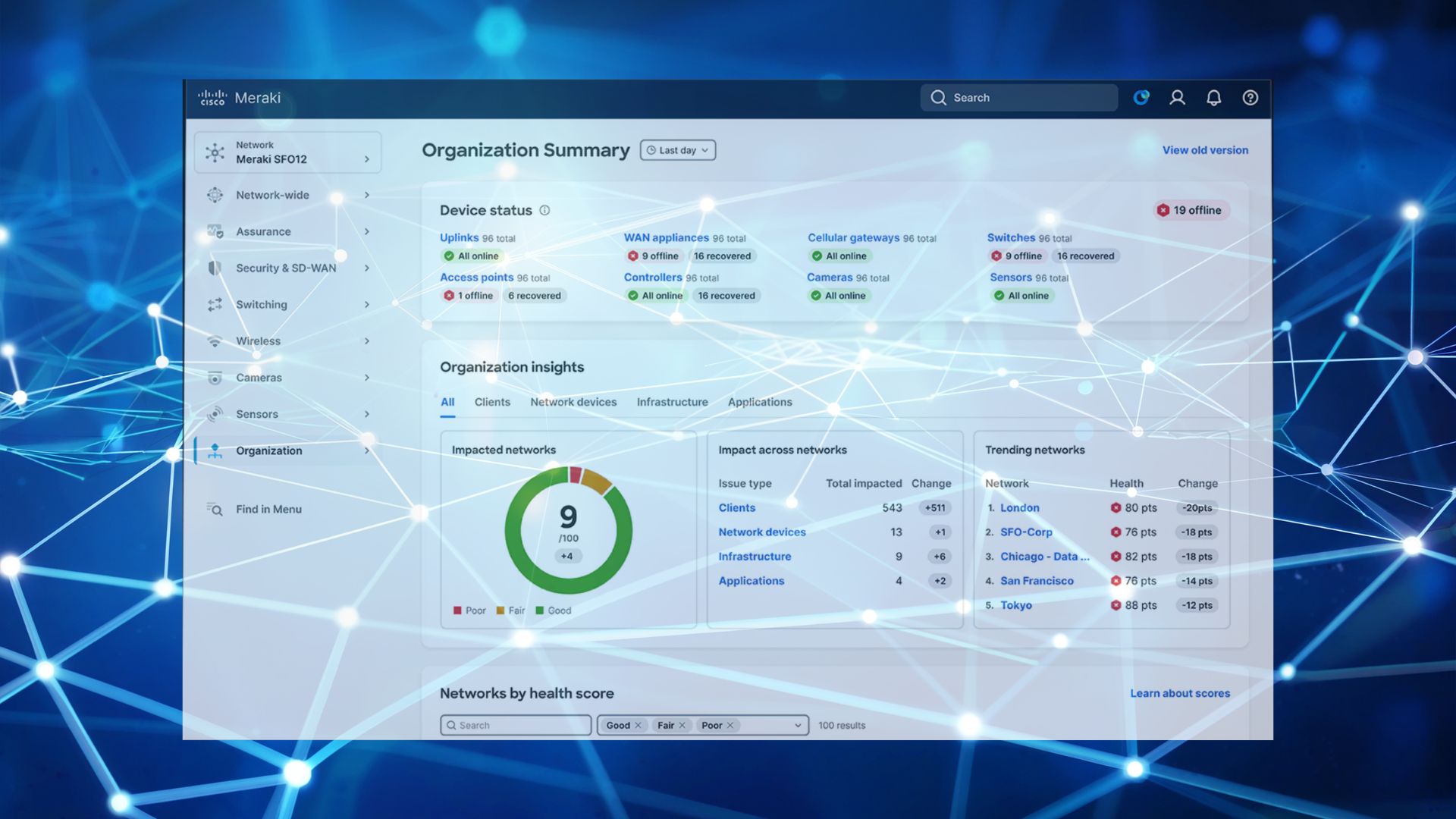
To check what’s in use, open the licensing page in your Meraki dashboard and compare the device count your licences cover and the number of devices actually claimed and running. Then check that the claimed devices are all still sufficient.
When we look at customers’ infrastructures, the things that commonly turn up are:
- Unused access points are still licensed
- Hardware at a site has been removed
- Old hardware is sitting in a cupboard but still counted in the inventory
- A firewall or switch on a higher tier than that location needs
Assessing these can significantly influence Cisco Meraki licence renewal.
Step 2: Assess your business needs
What will your business need over the next twelve months?
If you bought your kit a few years ago, you might want to check if it is still doing what it’s supposed to.
- Headcount and sites. Are you growing, consolidating, opening anywhere, or changing how often people are in the office? All of that affects how much you need to license and where.
- Hardware lifespan. Is anything approaching end of sale or end of support? Find out before you commit to a long licence on a device you’ll be replacing next year.
- Performance. Do coverage, speed or VPN problems come up in particular places? That usually points at the hardware or the tier rather than the network as a whole.
- Connectivity. If your internet connection has been upgraded since the firewall was specified, the firewall may be capping the speed.
- Security requirements. If your compliance position has changed, or you’re handling more sensitive data than before, the licence tier is what determines the protection you get.
Step 3: Choosing the right Meraki partner at renewal
Your licences aren’t tied to whoever sold them to you. As your business grows, so do your needs. The more complex your network becomes, the more support you might need in optimising the configuration. Buying your licence from a different partner is easy and without interruptions. Your dashboard, your configuration and your hardware stay exactly as they are. What changes is who supplies the licence and who supports you.
G5 Technologies specialises in Meraki networks. When you buy your licences from us, we’ll review your infrastructure, recommend the best option for your business, and co-terminate all your renewal dates to make them easier to manage.
Five things to check before your renewal date
- Your licensing model and exact expiry date. Check whether you’re on co-termination or per-device subscription, and confirm the date in the dashboard rather than from memory or an old email. On subscription, you may have several dates to track. If you’re not sure which model suits you, we’ve compared them in co-termination vs subscription licensing.
- Licensed device count against real inventory. The two numbers should match. If they don’t, find out why before you renew, so you’re not paying for equipment you no longer have or leaving a device uncovered. Cisco’s own walkthrough of organisation, admins, licensing and inventory shows where to find all of it in the dashboard.
- The licence tier on each product line. Enterprise covers core routing, VPN and cloud management. Advanced Security adds content filtering, anti-malware and intrusion prevention. Decide again each term rather than carrying forward what you had. Our guide to choosing the right Meraki licence covers which tier fits where, including the common mistake of buying Advanced for access points that will never use it. You can see the difference on the access point range in the MR Enterprise and MR Advanced licences.
- Hardware end-of-sale and end-of-support dates. Put these next to the licence term you’re considering. If a device is due for replacement inside that term, buy accordingly. For firewalls, our MX75 vs MX85 vs MX95 vs MX105 comparison lines the current models up against user numbers and throughput.
- Where the licence keys and account access live. Make sure more than one person knows where the keys are kept, who holds Meraki organisation admin access and when the next renewal falls. This is the one that causes trouble when the person who bought them is on leave. What happens when a Meraki licence expires sets out what you lose if a date does slip past, and how to recover.
Ready to look at your renewal?
If you’d like a clear picture of what’s on your Meraki estate, what you’re paying for and what you’ll need for the year ahead, we’ll go through it with you. There’s no obligation to move anything. Plenty of people just want to know where they stand before they renew.
Book a slot in the diary and we’ll take a look together.