Blog
5 Practical Ways Businesses Use Meraki MT Sensors

Meraki MT sensors are one of the best solutions on the market for catching small building problems before they turn into big ones. A server room creeping up in temperature on a hot afternoon. A slow drip under a sink. A fridge door left ajar overnight. By the time anyone notices, the damage is done.
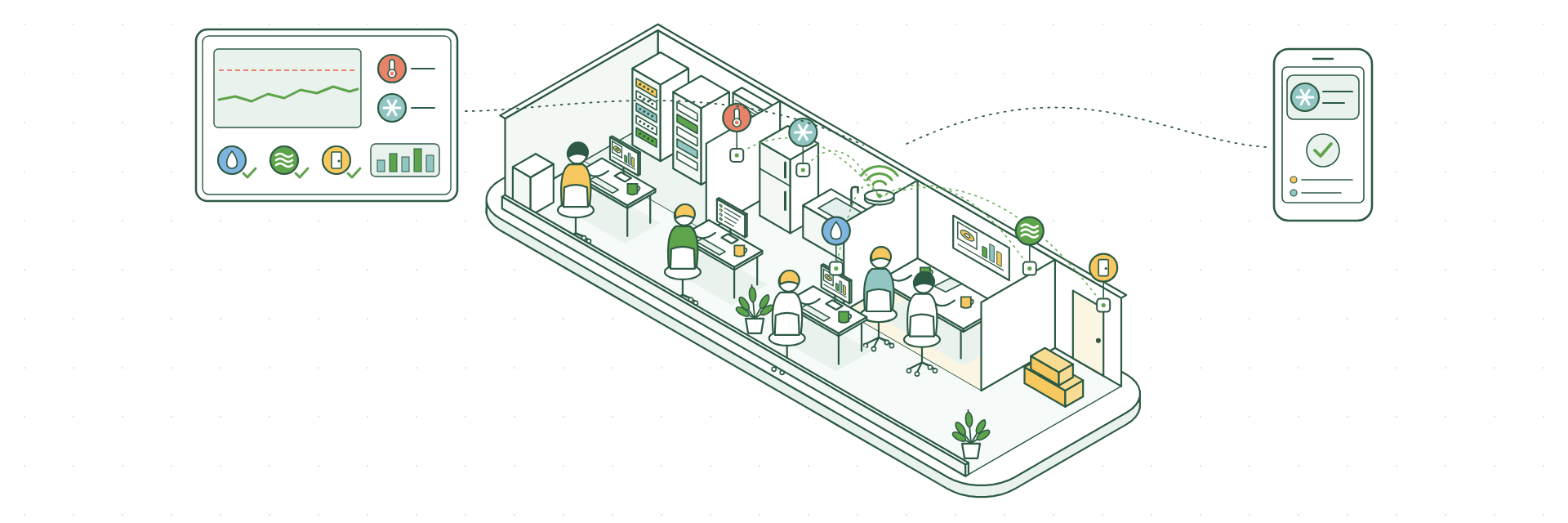
These small, wireless devices keep an eye on temperature, humidity, water, air quality and doors, and let you know as soon as something needs your attention.
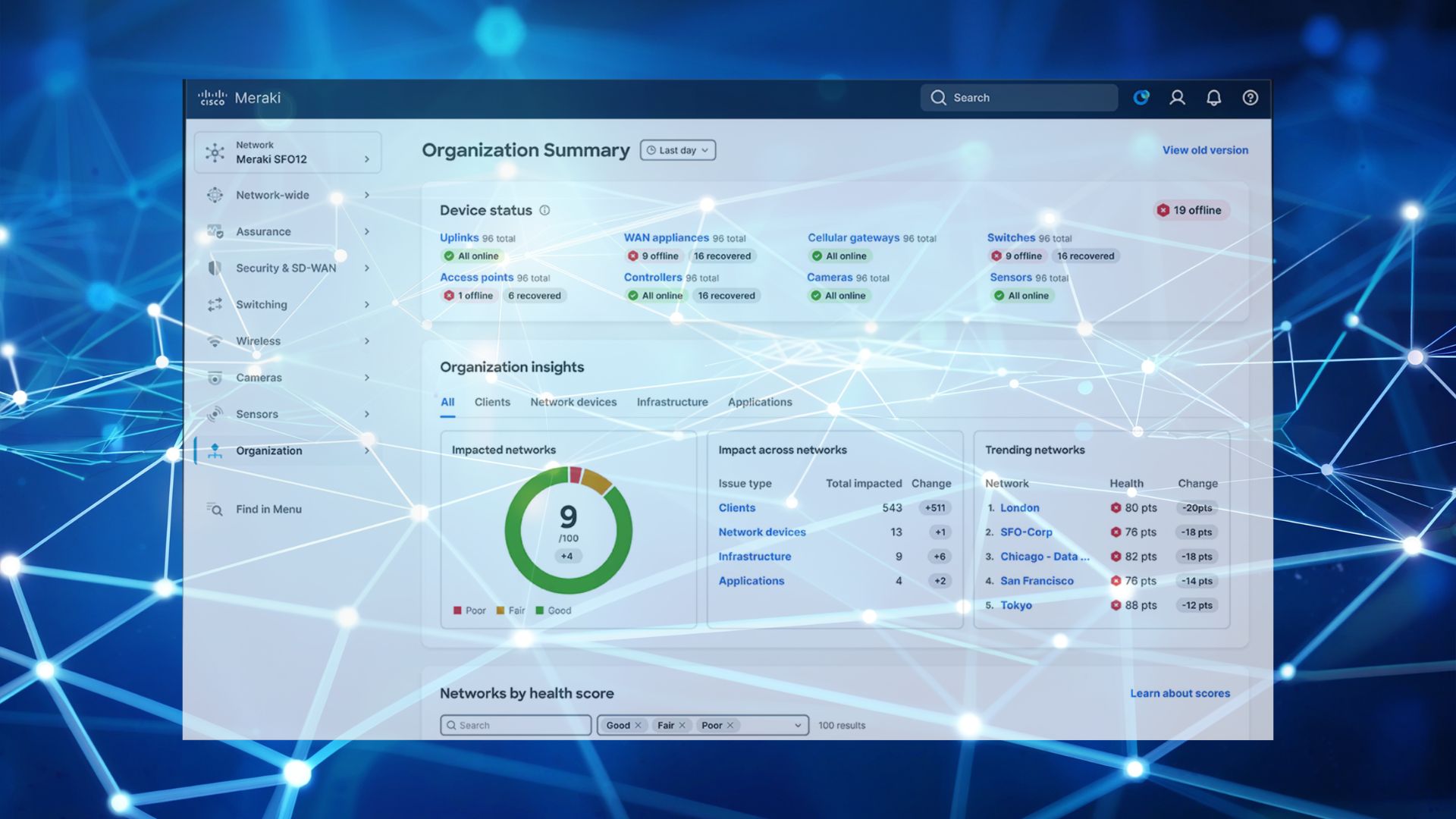
They sit in the same Meraki Dashboard as your network, so you can check on your building from your laptop or phone, wherever you are.
Here are five practical ways businesses put them to work.
How Meraki MT Sensors Work
Setting them up is simple. The sensors are battery powered and connect over Bluetooth to a nearby Meraki MR access point or MV camera, which links them to the cloud. There’s no extra hub to install, and each sensor needs an MT licence.
Once they’re in place, you can see live readings, look back through the history and choose how you’d like to hear about problems: email, SMS or app notification.
1. Keeping Server and Comms Rooms Cool
When a server room overheats, everything that runs through it can grind to a halt. The MT10 measures temperature and humidity, so you can see at a glance that your kit is running comfortably.
Set a threshold and you’ll get an alert if the air conditioning starts to struggle, giving you time to sort it out before it turns into downtime.
Great for: server rooms, comms cupboards and plant rooms.
2. Protecting What’s in Your Fridges and Freezers
Losing a fridge full of stock, medicines or samples is costly and stressful. The MT11 has a probe that sits inside a fridge, freezer or cold store, with the sensor itself mounted outside.
It logs temperatures around the clock, so you’ll know straight away if something’s wrong. You’ll also have accurate records ready for food safety checks and inspections, with no one needing to note down readings on a clipboard.
Great for: restaurants and cafés, pharmacies, clinics, laboratories and care homes.
3. Catching Water Leaks Before They Cause Damage
A small leak can quietly ruin flooring, stock or equipment, especially overnight or at the weekend. The MT12 detects water on the floor and alerts you the moment it finds moisture.
Pop one under a sink, beside a water heater, near air conditioning units or under a raised floor in a server room, and you’ll hear about a leak while it’s still a mop-and-bucket job.
Great for: kitchens, washrooms, plant rooms and server rooms.
4. Creating a Healthier, More Comfortable Office
Stuffy meeting rooms leave people tired and distracted. The MT14 and MT15 measure indoor air quality, including particulates, volatile organic compounds, humidity and noise. The MT15 also measures carbon dioxide.
The data shows you which rooms need better ventilation and when, so you can make simple changes that help your team feel more comfortable and focused.
Great for: offices, meeting rooms, classrooms and shared workspaces.
5. Knowing When Doors Open
The MT20 is an open and close sensor for doors. Fit one to a comms cabinet, stock room or back door and you’ll see exactly when it was opened.
If you also use Meraki MV cameras, the Dashboard can show you the video clip from that moment, so you get the full picture in one place.
Great for: comms cabinets, stock rooms, fire exits and secure areas.
Two Handy Extras
- MT30 smart button: one press can call for help, request a service visit or trigger another action of your choice.
- MT40 smart power controller: monitor power use and switch a device off and on again remotely, which saves a trip when kit at a remote site needs a restart.
Getting the Most From Your Meraki MT Sensors
- Start with your biggest worry. Think about the room or piece of equipment that would cause the most disruption if something went wrong, and put a sensor there first.
- Take stock. If you already have sensors, list what you have, where they are and when their licences renew.
- Send alerts to the right people. Decide who needs to know about what, and how quickly, so alerts reach someone who can act on them.
- Look back at the data. A quick check every few months can reveal useful patterns, such as a meeting room that always gets stuffy after lunch.
- Keep licences on track. Our licence renewal checklist helps you stay on top of renewals.
How We Help
CloudSE is now part of G5 Technologies, and we help businesses get the most from their Meraki networks, including sensors.
We can review the sensors you already have, suggest where extra ones would make the biggest difference, supply units and licences, and set up alerts that suit the way you work.
Want to talk through your sensors? Book a chat with Steve