Blog
Upgrading Older Meraki Hardware: A Useful Guide to Refreshing Your Kit

Cisco Meraki kits are built to last, and many businesses still run access points, switches, and security appliances they installed years ago.
Technology moves on, though, and Cisco publishes clear end-of-sale and end-of-support dates for every Meraki product. That’s really helpful, because it means you can plan a refresh calmly, budget for it in advance and pick a time that suits your business.
This guide explains what those dates mean, which popular models are reaching them, and how to make your upgrade smooth and simple.
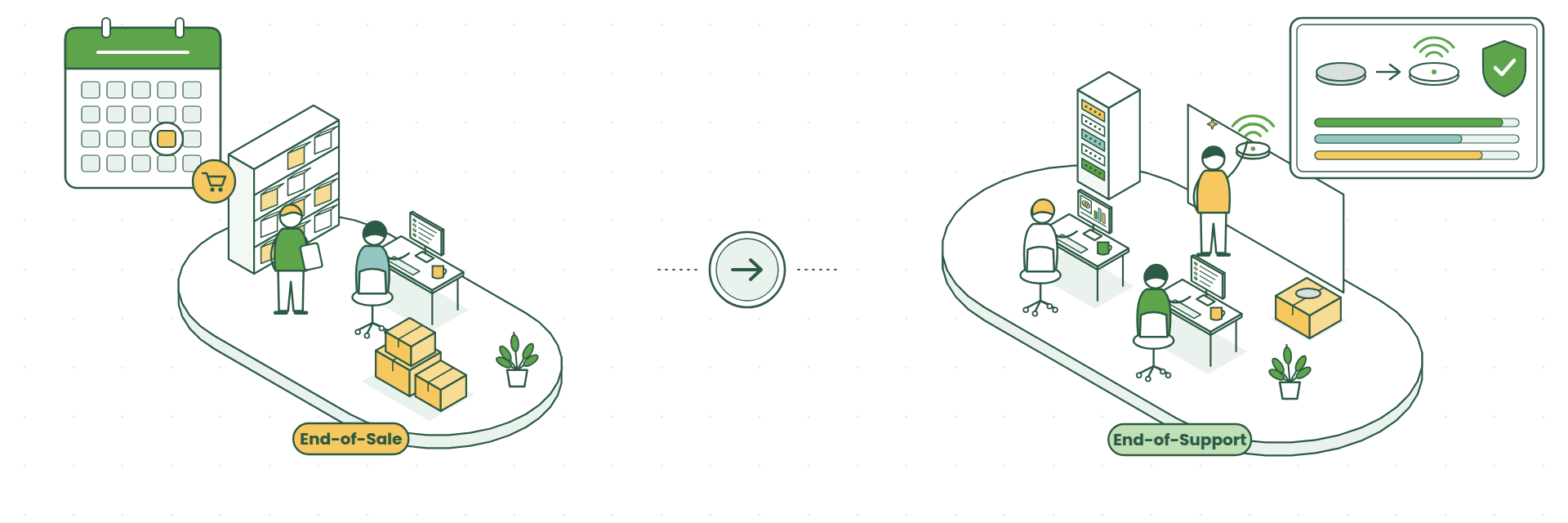
What Do End-of-Sale and End-of-Support Mean?
End-of-sale is the last date you can order a product new. The product keeps working, and Cisco keeps supporting it.
End-of-support is the last date Cisco actively supports the product with firmware updates, security fixes and technical help. The hardware may still power on after that, but it won’t receive any more updates.
The gap between the two is usually several years, which gives you plenty of time to plan.
Popular Models and Their Key Dates
Here are some of the Meraki models we see most often, with the dates published by Cisco.
| Model | End-of-sale | End-of-support |
|---|---|---|
| MR33, MR42, MR52, MR53, MR74 access points | 2021 to 2022 | 21/07/2026 |
| MX65 security appliance | 28/05/2019 | 28/05/2026 |
| MX84 security appliance | 31/10/2021 | 31/10/2026 |
| MX100 security appliance | 01/02/2022 | 01/02/2027 |
| MX64 and MX64W security appliances | 26/07/2022 | 26/07/2027 |
| MS220 and MS320 switches | 2017 | 2024 |
| MV21 and MV71 cameras | 19/06/2019 | 19/06/2026 |
| MV12, MV22, MV32, MV72 (second-generation cameras) | 31/12/2025 | 31/12/2030 |
| MR36, MR44, MR46 access points | 31/12/2026 | 31/12/2031 |
| MX67 and MX68 security appliances | 27/11/2026 | 30/11/2031 |
Cisco keeps the full list up to date on its End-of-Life Products and Dates page.
If any of your kit appears near the top of the table, now is a great time to start planning. If it’s further down, you have a comfortable runway and can build the refresh into next year’s budget.
What You Gain by Upgrading
A refresh is a chance to give your team a noticeably better experience.
- Faster, more reliable Wi-Fi. Current access points support Wi-Fi 6, 6E and Wi-Fi 7, which handle busy offices and lots of devices far better. Our guide to Wi-Fi 5 vs Wi-Fi 6 vs Wi-Fi 6E explains the difference.
- More headroom for your team. Newer security appliances handle much higher throughput, which matters as headcount and cloud applications grow. See our MX75 vs MX85 vs MX95 vs MX105 comparison and our article on bandwidth management for growing teams.
- Years of fresh support. New kit comes with a long runway of firmware updates and new features (how Meraki firmware updates work).
- Tidier licensing. A refresh is the perfect moment to line up your renewal dates or move to a simpler licensing model. Read co-termination vs subscription licensing.
- Better cameras. Third-generation MV cameras offer 4K resolution, more onboard storage and smarter motion search.
What to Upgrade To
As a rough guide:
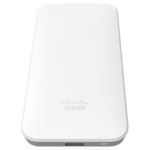
- Older MR access points move to current Wi-Fi 6E or Wi-Fi 7 access points, which are managed in the same Meraki Dashboard.
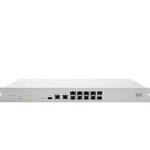
- MX64, MX65, MX84 and MX100 move to the current MX range. The right model depends on your number of users and your internet speed.
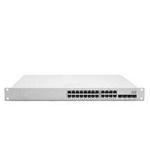
- MS220 and MS320 switches move to the current MS range, matched to the number of ports and power over Ethernet you need.
- Older MV cameras move to the third-generation MV range, chosen by space and coverage.
Because your configuration lives in the Meraki cloud, a lot of your settings carry across to the new kit, which keeps the changeover quick.
Five Steps to a Smooth Refresh
1. Take stock
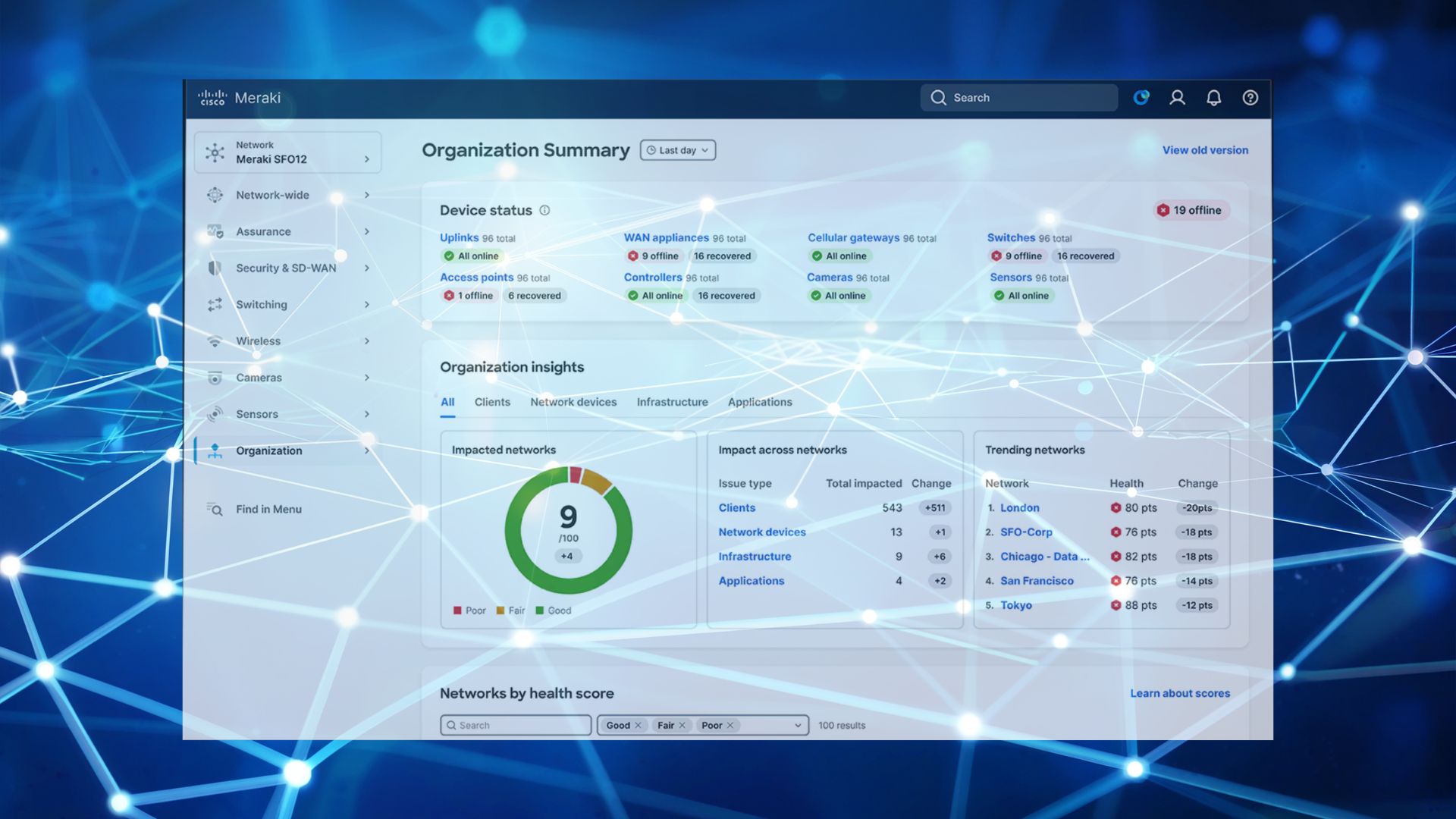
Open the Inventory page in your Meraki Dashboard and make a list of every device, its model and its licence date.
2. Check the dates
Compare your list with Cisco’s end-of-life dates and mark anything that’s reached, or is approaching, end-of-support.
3. Think about the business
Has the team grown? Are you adding a site, more video calls or more cloud applications? A refresh is the ideal time to size the network for where you’re heading.
4. Plan the licensing
Decide whether to co-terminate your licences onto one date or move to subscription licensing, so everything is neat and easy to manage from day one. Our licence renewal checklist helps here.
5. Schedule the swap
Pick a quiet time, such as an evening or weekend, and change the kit over in stages so there’s minimal impact on your team.
If Your Licences Have Expired
If your Meraki licences have expired, a hardware refresh is a lovely clean starting point. New kit, new licences on one renewal date and a fresh configuration built around how your business works today. Our article on what happens when a Meraki licence expires explains the options.
How We Help
CloudSE is now part of G5 Technologies, and refreshing Meraki networks is one of the things we enjoy most.
We’ll review your current setup, recommend the right replacements, supply the kit at a competitive price, handle the installation and licensing, and look after the network for you afterwards if you’d like us to.
Ready to plan your refresh? Book a chat with Steve