Blog
Meraki Go vs Cisco Meraki: Which Is Right for Your Business?

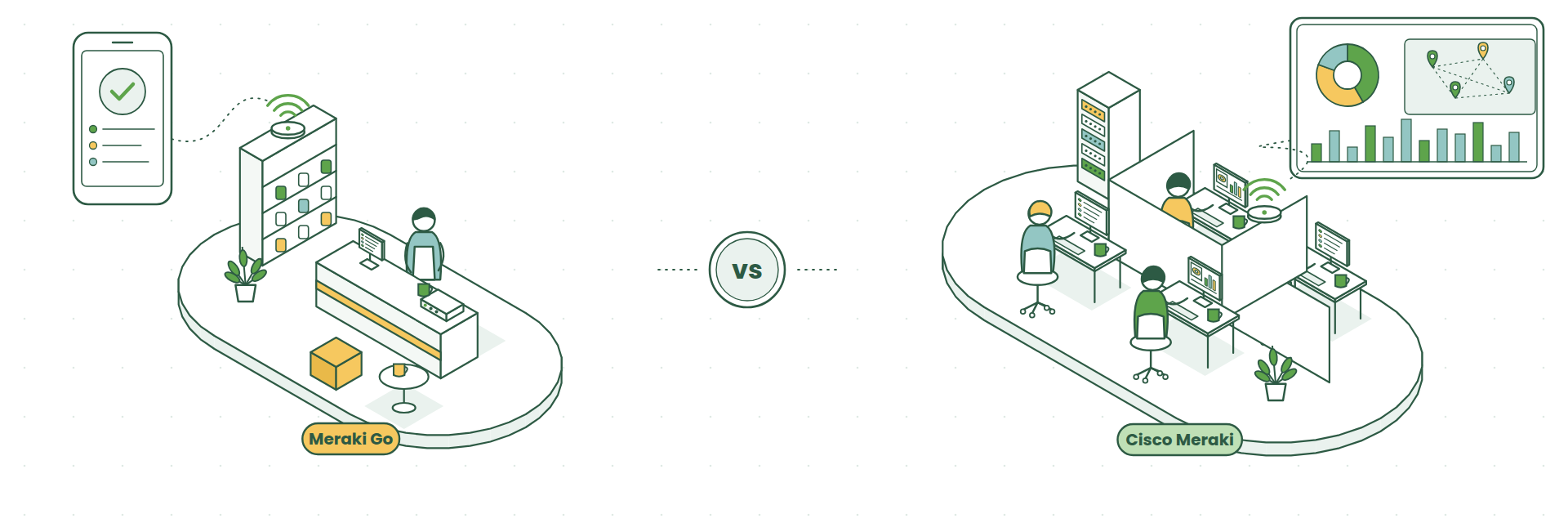
If you’ve been looking at Cisco networking for a small or growing business, you’ve probably come across two names: Meraki Go and Cisco Meraki.
They share a name, a cloud-first approach and a reputation for being easy to use, so it’s natural to wonder which one you actually need.
The good news is that both are excellent. The right choice comes down to the size of your business, how many sites you have and where you expect to be in a few years’ time.
We explain both so you can make an informed decision as to which one suits your business best.
What Is Meraki Go?
Meraki Go is Cisco’s networking range for small businesses. It’s designed so that someone without an IT background can set up and run a secure, reliable network from their phone.
The range covers:
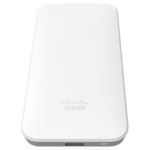
- Wi-Fi 6 access points for indoors and outdoors (more on the Meraki Go Wi-Fi 6 range)
- A router firewall that can be up and running in around 10 minutes
- Network switches
Everything is managed through the Meraki Go mobile app or web portal, and there are no licence fees, so running costs stay simple and predictable.
Where it shines: single-site small businesses such as cafés, shops, salons, small offices and clinics that want good, secure Wi-Fi with very little setup.
Worth knowing:
- A Meraki Go account supports up to 50 access points and one router firewall, so it’s built around a single location.
- Meraki Go and Cisco Meraki are separate platforms. Devices can’t be combined or managed together, so it’s worth thinking about growth before you buy.
- Meraki Go support runs Monday to Friday on US Central Time, which is afternoon and early evening in the UK.
Best for: small, single-site businesses that want a straightforward network they can look after themselves.
What Is Cisco Meraki?
Cisco Meraki is the full business range, and it’s the platform we work with every day.
It covers:
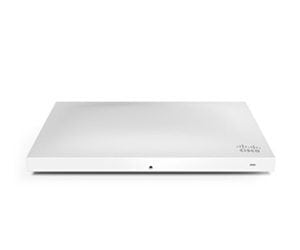
- MR wireless access points, including the latest Wi-Fi 6 and 6E models
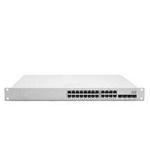
- MS switches
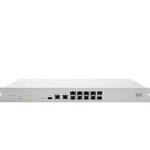
- MX security appliances and SD-WAN (compare the MX75, MX85, MX95 and MX105)
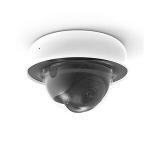
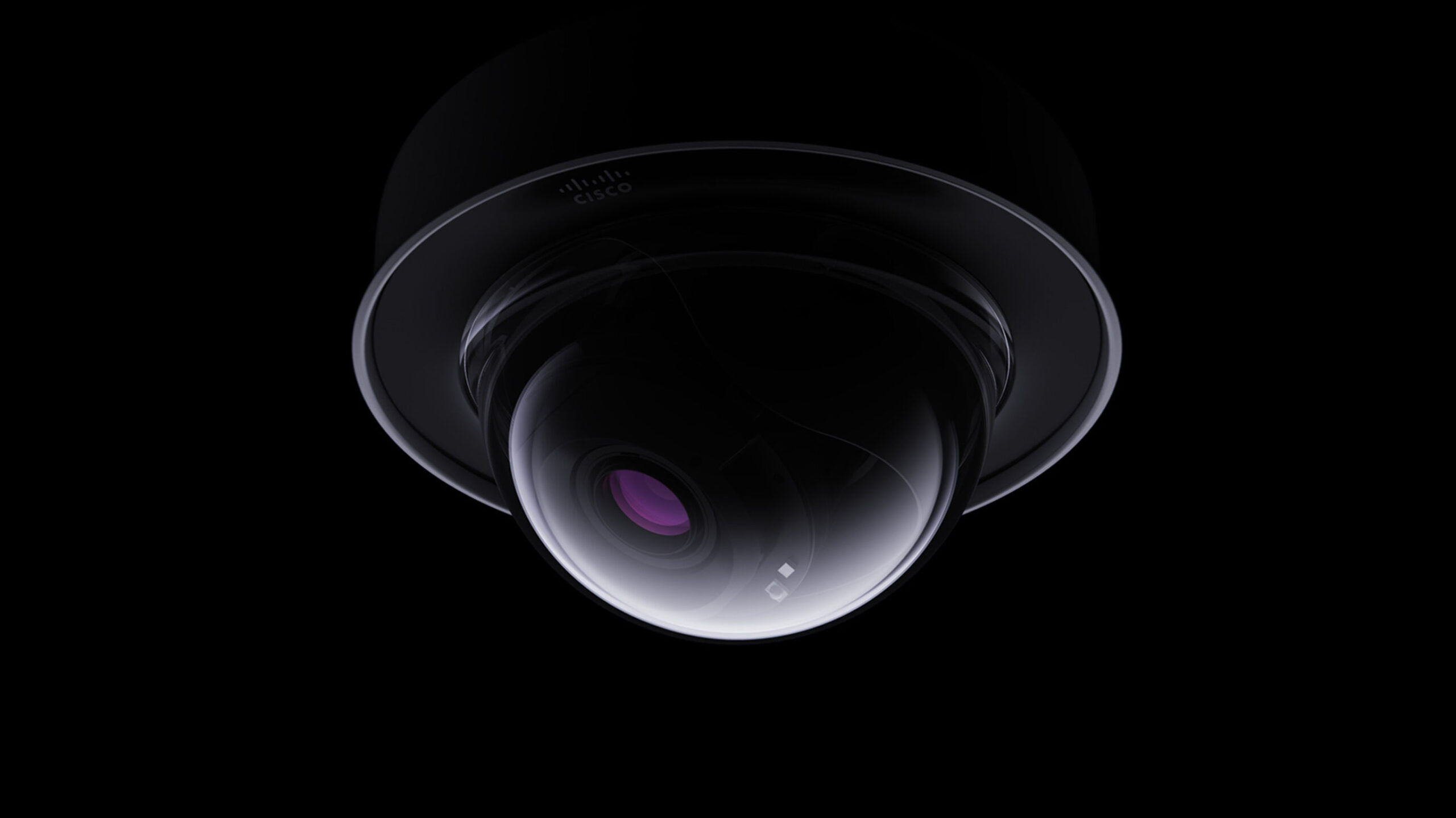
- MV smart cameras
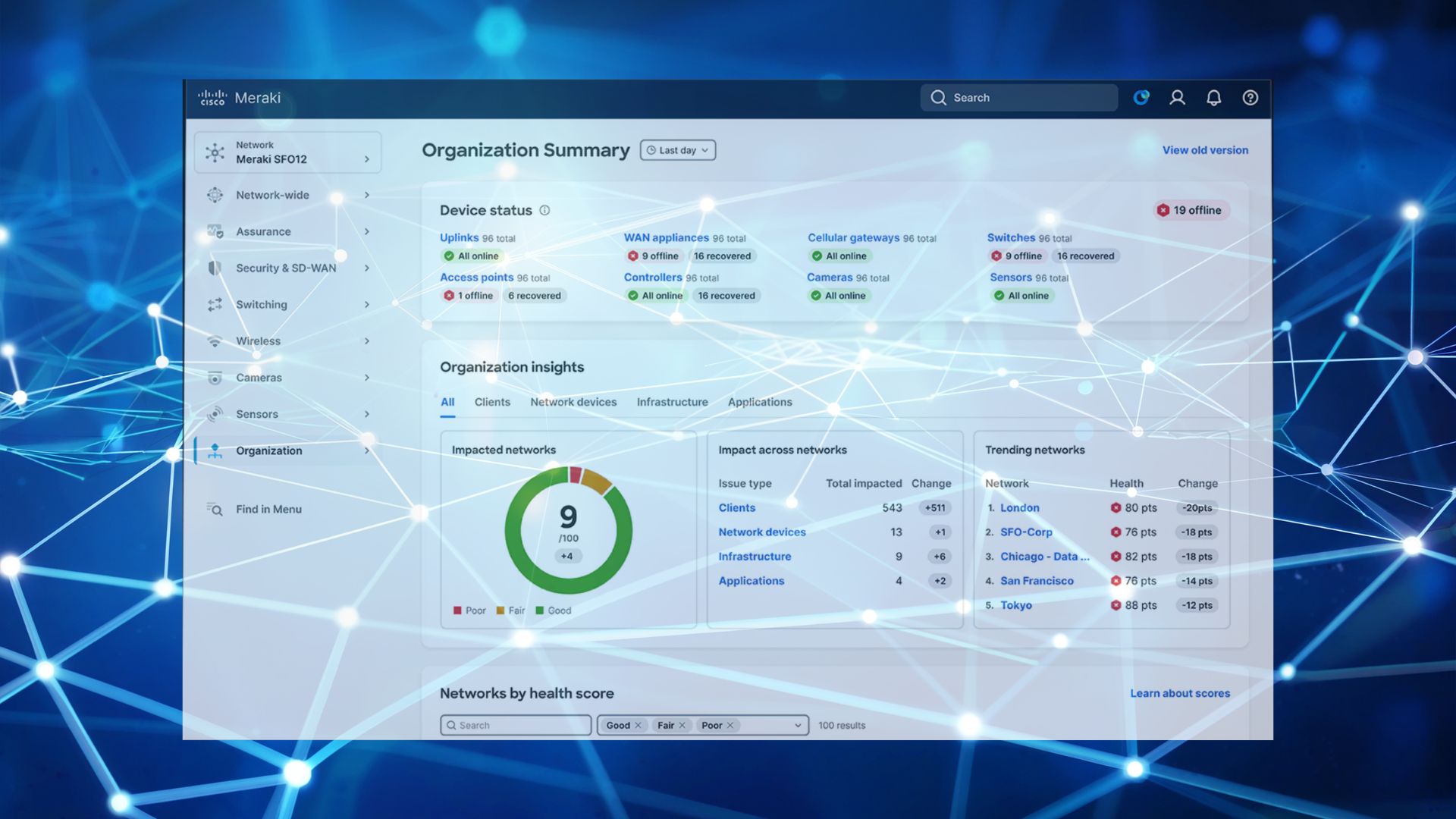
All of it is managed from one place on the Meraki Dashboard. You can see every site, device and user on one screen, roll out the same settings to multiple offices using templates, connect sites together with built-in VPN and pull detailed reports whenever you need them.
Each device needs a Meraki licence. The licence keeps the device connected to the Dashboard and includes firmware updates and 24/7 support from Cisco. Our guides on choosing the right Meraki licence and co-termination vs subscription licensing explain the options.
Where it shines: growing businesses, multiple offices, and organisations in regulated sectors that need strong security, visibility and reporting.
Worth knowing: with more features comes a little more to set up. A good implementation at the start means you get the full benefit from day one.
Best for: businesses with more than one site, a growing team, or security and compliance requirements to meet.
Meraki Go vs Cisco Meraki at a Glance
| Meraki Go | Cisco Meraki | |
|---|---|---|
| Best for | Single-site small businesses | Growing and multi-site businesses |
| Managed from | Mobile app or web portal | Meraki Dashboard (web and app) |
| Licences | No licence fees | Licence per device |
| Product range | Access points, router firewall, switches | Wireless, switches, security and SD-WAN, cameras |
| Multiple sites | One router firewall per account | Built for multiple sites, with templates and site-to-site VPN |
| Support | Weekdays, US hours | 24/7 Cisco support included with licence |
| Room to grow | Up to 50 access points | From one site to hundreds |
Which Should You Choose?
Choose Meraki Go if:
- You have one site and plan to stay that way for a while
- You want to manage the network yourself from your phone
- You’d like to keep costs low with no ongoing licences
- Your needs are mainly reliable Wi-Fi, guest access and a secure internet connection
Choose Cisco Meraki if:
- You have, or plan to have, more than one office
- You want cameras, security and networking all in one dashboard
- You work in a regulated industry and need detailed logging and reporting
- You’d like someone to manage and monitor the network for you
A handy rule of thumb is to picture your business in three years. Because the two platforms can’t be combined, choosing for the business you’re growing into saves a second project later on.
A Few Questions to Ask Yourself
How many sites do you have?
One site suits Meraki Go well. Two or more is where Cisco Meraki comes into its own.
Who is going to look after it?
If the network sits with the office manager, Meraki Go keeps things simple. If you’d like proactive monitoring and support, Cisco Meraki with a managed service gives you that. Our article on whether your business has outgrown informal IT is a useful read here.
What do your customers or regulators expect?
If you need to show how your network is secured and who has access, the Meraki Dashboard’s reporting makes that much easier.
How We Help
CloudSE is now part of G5 Technologies, and we help businesses choose, set up and look after their Cisco Meraki networks.
If Meraki Go is the right fit, we’ll tell you. If Cisco Meraki is the better choice, we’ll design the network around your business, set it up properly, sort your licensing and keep an eye on it for you afterwards.
Not sure which is right for you? Book a chat with Steve