Blog
Meraki MV Cameras: Indoor vs Outdoor vs Fisheye, and Which to Choose for Each Space

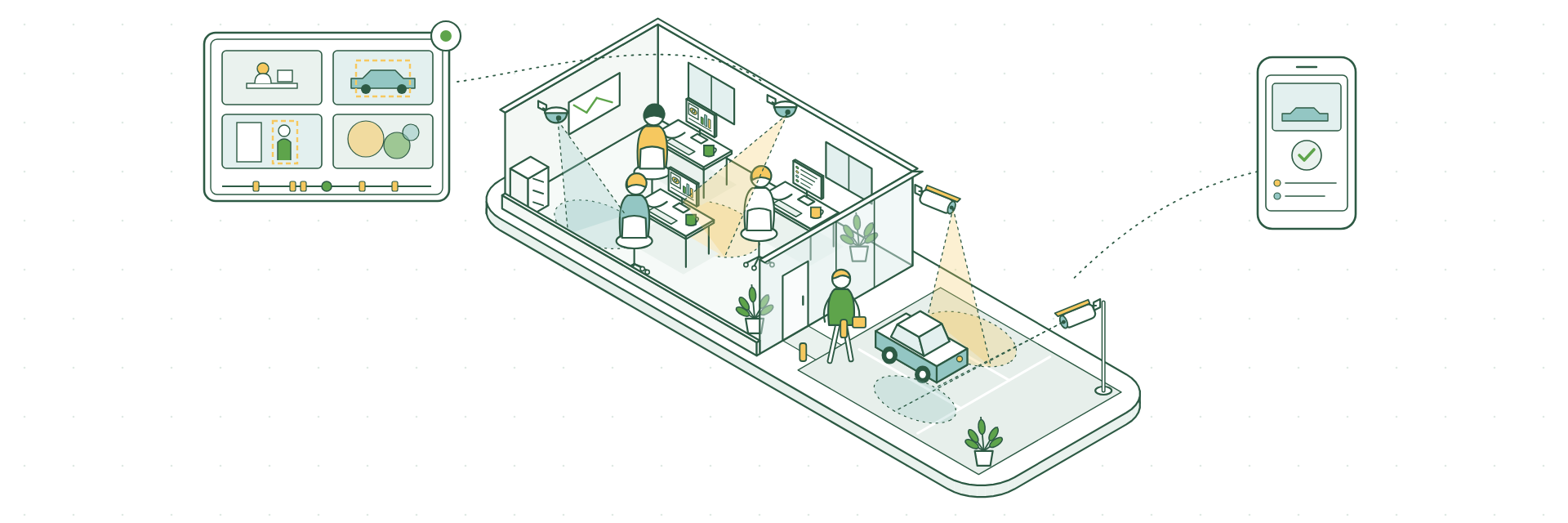
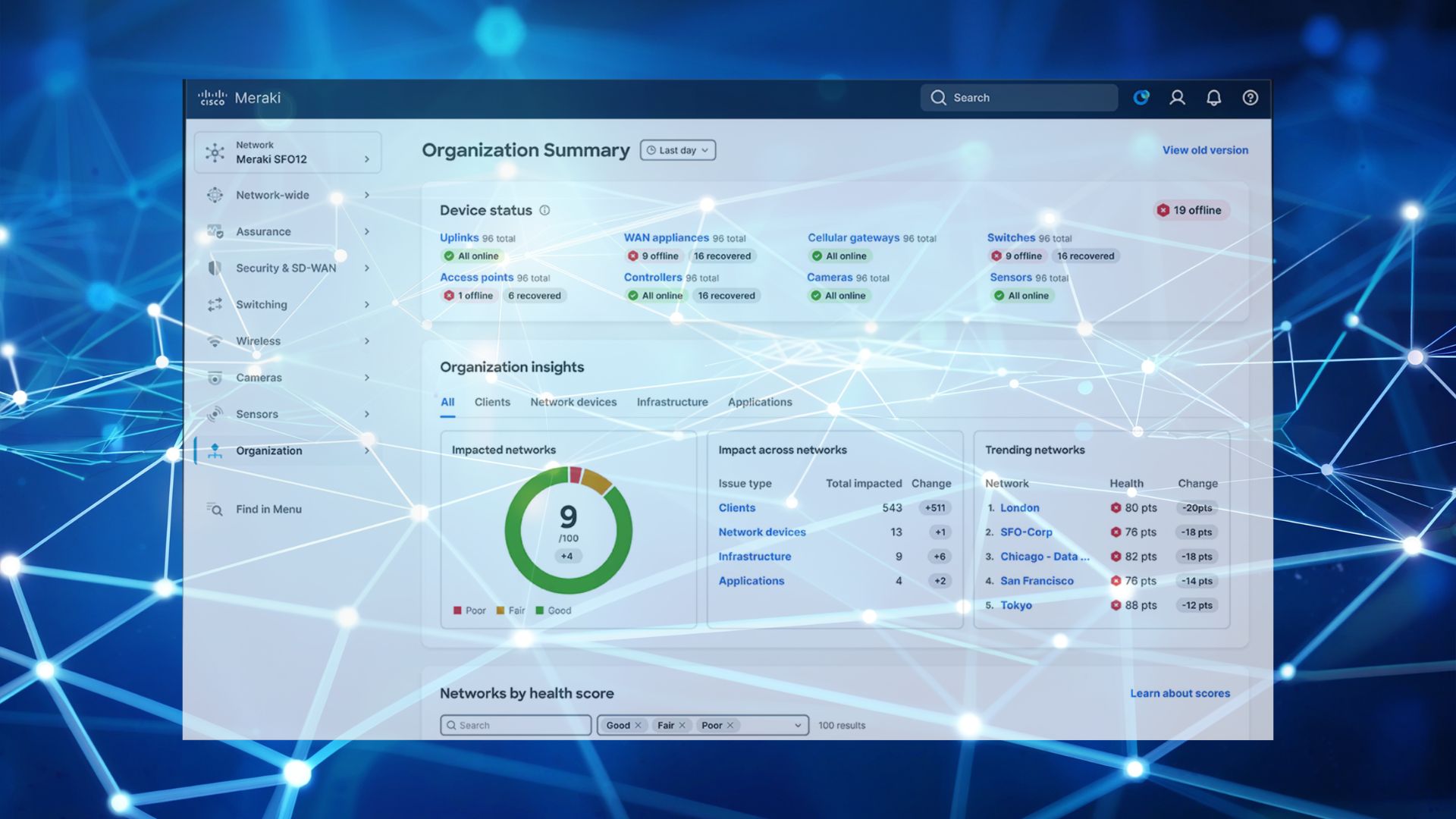
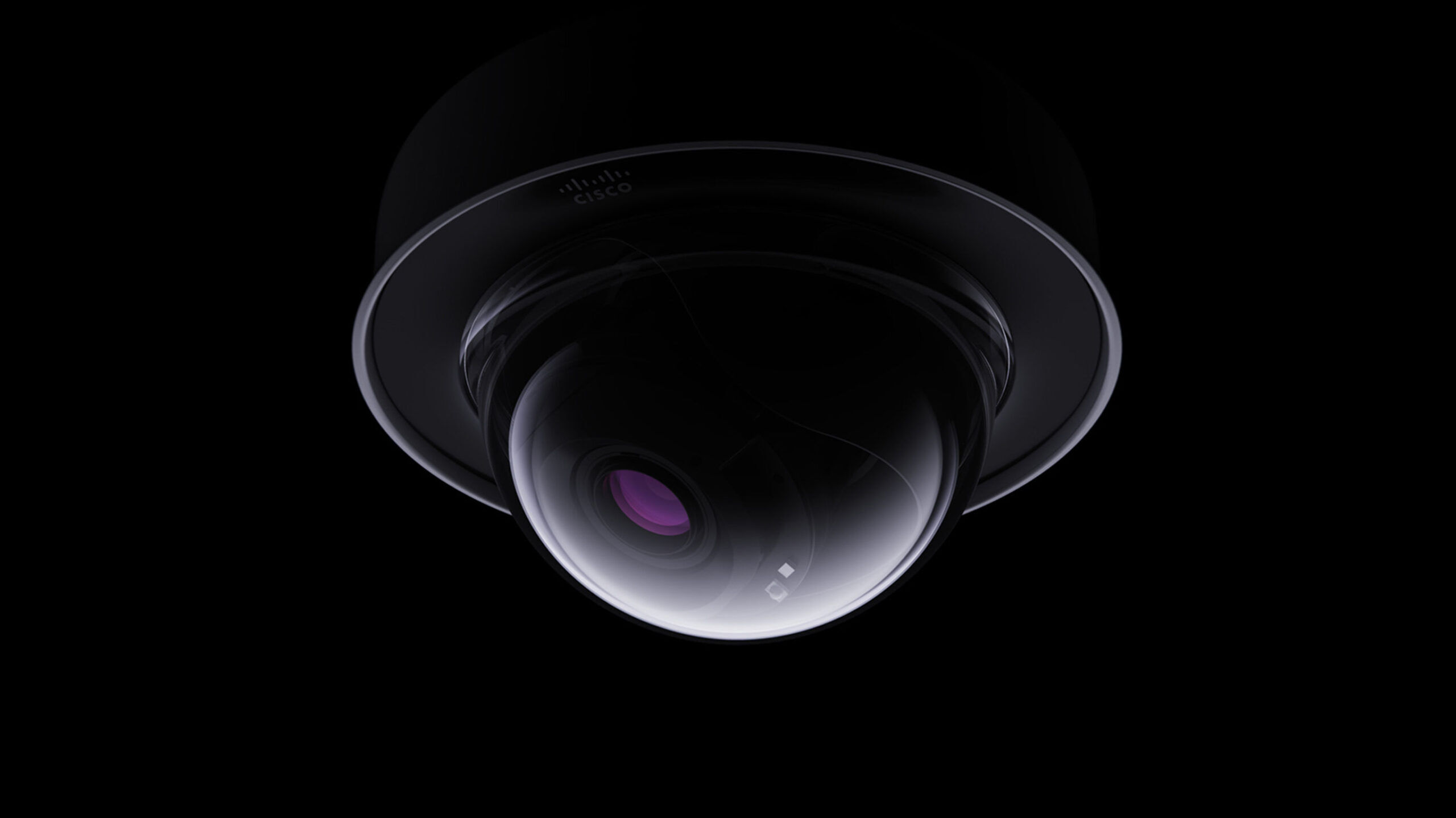
Cisco Meraki MV cameras are one of the simplest ways to add video security to a business. There’s no separate recorder to buy, footage is stored on the camera itself, and everything is managed from the same Meraki Dashboard as your network.
The question most people have is which camera to put where.
The third-generation MV range has a camera for almost every space, from a small reception area to a large car park. This guide walks through the options and helps you match the right camera to each part of your building.
Three Questions That Make the Choice Easy
1. Is it inside or outside?
Outdoor cameras are weatherproof, handle a wide temperature range and have infrared for night-time viewing. Several are also IK10+ rated, so they’re built to withstand knocks and tampering.
2. Do you want the big picture or the detail?
A fisheye camera gives you a full 360° view of a room with a single camera. A fixed or varifocal camera gives you a sharper, more detailed view of a specific area, such as a doorway, till point or gate.
3. How long do you want to keep footage?
Every MV camera stores video on board. The model name tells you how much:
- Standard models have 256GB
- M models have 512GB
- X models have 1TB
More storage means you can keep footage for longer. You can also add cloud archive for an extra copy off site.
Indoor Cameras
MV13: compact indoor camera
A small, discreet 4K camera with a fixed lens and infrared.
Great for: receptions, corridors, stock rooms, meeting rooms and shop floors.
Available as: MV13 (256GB) and MV13M (512GB).
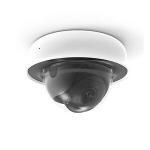
MV33: indoor fisheye
An 8MP 360° camera that covers a whole room from a single ceiling position.
Great for: open-plan offices, retail floors, classrooms and communal areas where you want to see everything at once.
Available as: MV33 (256GB) and MV33M (512GB).
Outdoor Cameras
MV63: outdoor bullet
A 4K camera with a fixed lens, infrared and an IK10+ rating.
Great for: building entrances, car park approaches, bin stores and side access points.
Available as: MV63 (256GB), MV63M (512GB) and MV63X (1TB).
MV23 and MV73: outdoor varifocal
4K cameras with a 3 to 9mm varifocal lens, so the installer can zoom in to frame the exact area you want. Both have infrared with a range of up to 30 metres. The MV73 handles an even wider temperature range, making it a good choice for more exposed locations.
Great for: gates, long driveways, loading bays and entrances that are some distance from the camera.
Available as: MV23M and MV73M (512GB), MV23X and MV73X (1TB).
MV93: outdoor fisheye
An 8MP 360° camera built for the outdoors, with infrared.
Great for: courtyards, yards, open car parks and outdoor seating areas.
Available as: MV93 (256GB), MV93M (512GB) and MV93X (1TB).
MV53X: pan, tilt and zoom
A 4K PTZ camera with a 2.5 to 38mm zoom lens and infrared with a range of up to 50 metres.
Great for: large sites where you want to zoom in and follow activity across a wide area, such as warehouses, campuses and large car parks.
Available as: MV53X (1TB).
Which Camera for Which Space?
| Space | Suggested camera |
|---|---|
| Reception or front desk | MV13 |
| Corridor or stock room | MV13 |
| Open-plan office or shop floor | MV33 |
| Building entrance | MV63 |
| Gate or long driveway | MV23 or MV73 |
| Loading bay | MV23 or MV73 |
| Courtyard or yard | MV93 |
| Large car park or site perimeter | MV93 or MV53X |
Features You Get With Every MV Camera
- One dashboard for cameras, Wi-Fi, switches and security
- No recorder needed, as footage is stored on the camera
- Motion search to find events in seconds
- Motion heatmaps to see how people use a space
- Role-based access, so you control exactly who can view footage
- Remote viewing from anywhere through the Dashboard or app
Each camera needs an MV licence, and cloud archive is available as an optional extra.
Role-based access also makes it easy to follow the Information Commissioner’s Office guidance on who can view CCTV footage and how long it’s kept.
Upgrading From Older MV Cameras?
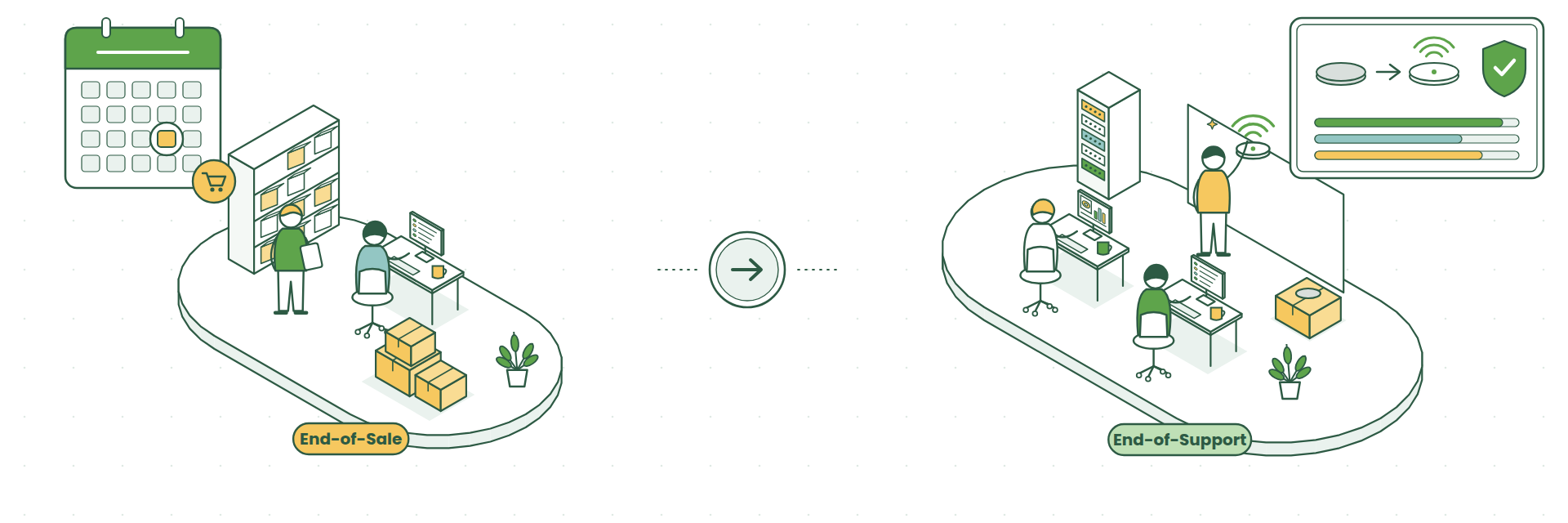
Cisco’s second-generation cameras (MV12, MV22, MV32 and MV72) reached end-of-sale on 31/12/2025 and are supported until 31/12/2030. If you’re adding cameras or refreshing older ones, the third-generation range is the one to choose. It gives you 4K resolution, more storage and a longer support runway.
How We Help
CloudSE is now part of G5 Technologies, and we help businesses plan and install Meraki camera systems from start to finish.
We’ll walk the site with you, recommend the right camera for each area, check your switches can power them, set retention and access to suit your business, and install everything so it’s working from day one.
Planning a camera system? Book a chat with Steve