Blog
Meraki Wi-Fi 6 vs Wi-Fi 7: Which Access Point Is Right for Your Business?

Should your next Meraki access point be Wi-Fi 6 or Wi-Fi 7?
It depends on your setup. Until recently, it wasn’t a question most businesses needed to consider. But with Wi-Fi 7 models now available, it’s worth thinking about which technology makes the most sense for your next upgrade.
The other factors to take into consideration are the last sale date and the end of support date.
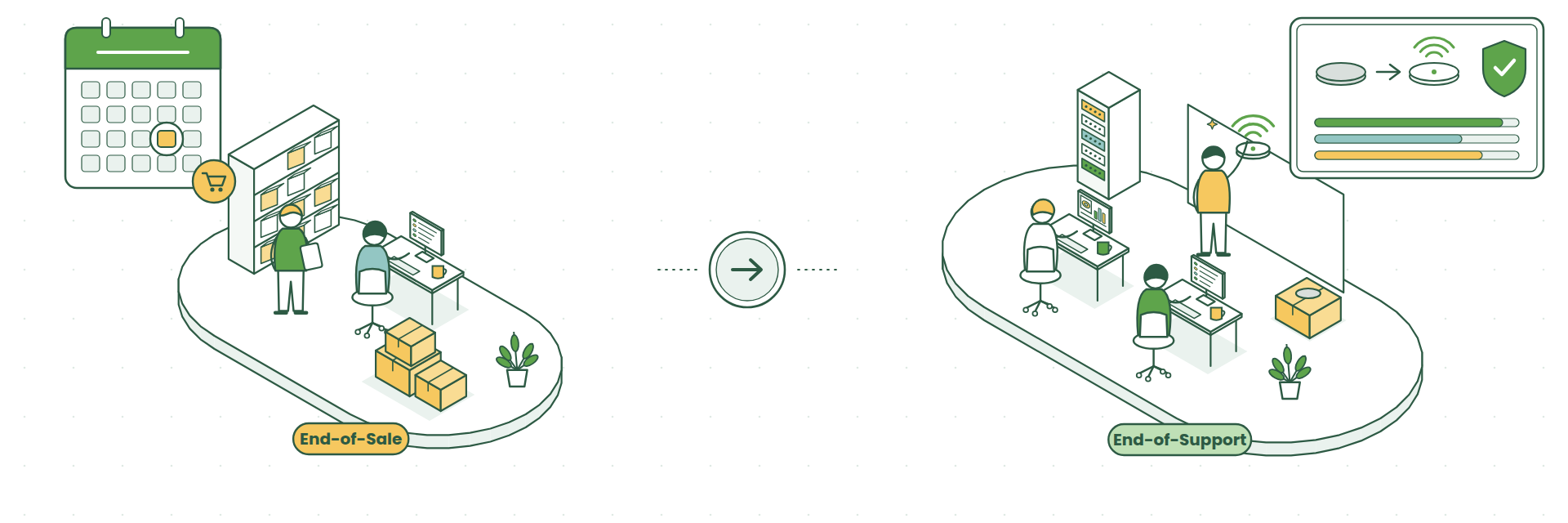
Cisco has set 31 December 2026 as the last order date for five popular Wi-Fi 6 models: MR36, MR36H, MR44, MR46 and MR46E.
Support for these models continues until 31 December 2031, so if you already have them in place, there’s no immediate need to panic or rush into a replacement.
We have created a comparison that sets out the differences so you can make an informed decision before you plan your next upgrade.
Wi-Fi 6 vs Wi-Fi 7 at a Glance
| Wi-Fi 6 (MR36, MR44, MR46) | Wi-Fi 7 (CW9172, CW9176, CW9178) | |
|---|---|---|
| Bands | 2.4 GHz and 5 GHz | 2.4 GHz, 5 GHz and 6 GHz |
| Great for | Offices, shops and sites with steady device numbers | Busy spaces, many devices and demanding apps |
| Availability | Last order 31 December 2026 | Available now |
| Support | Until 31 December 2031 | Current range, fully supported |
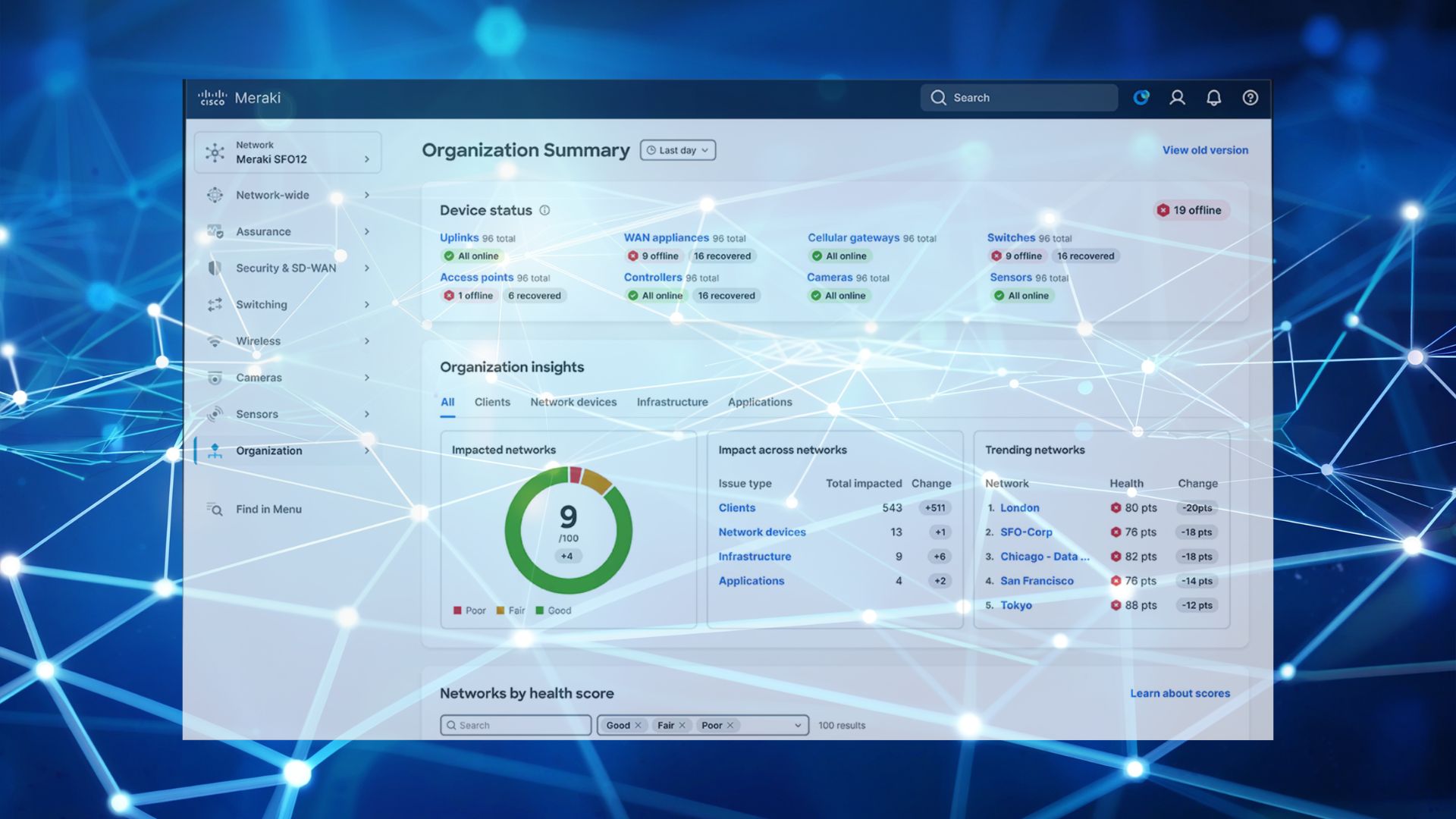
Both are managed from the same Meraki Dashboard, so day-to-day running feels familiar.
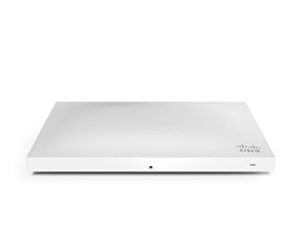
Wi-Fi 6 remains a dependable, well-proven choice. The MR44 offers 4×4 radios with multigigabit Ethernet, and the MR36 is a neat entry point for medium-density sites.
What Meraki Wi-Fi 7 Brings to Your Business
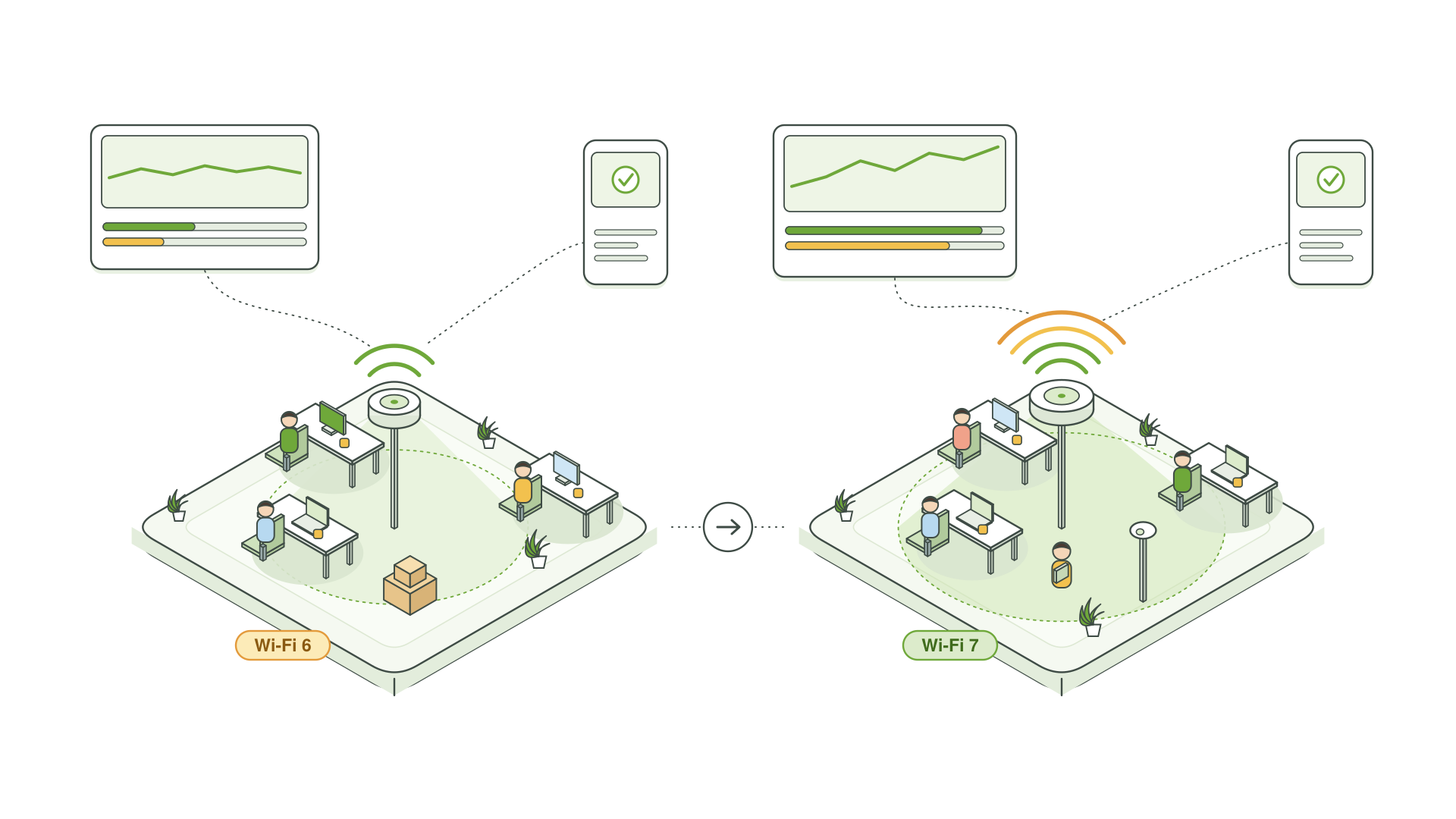
The biggest addition is the 6 GHz band. It offers extra channels, which gives more room for traffic and helps reduce interference. Wi-Fi 7 also introduces Multi-Link Operation, which lets capable devices use more than one band at the same time.
In practice, that means smoother video calls, quicker large file transfers and more headroom for smart devices and sensors. The CW9172I, for example, reaches up to 9 Gbps aggregate across its radios, which is plenty for a growing team. It can also run as a dual-band access point with a 4×4 5 GHz radio, a flexible option for sites that want extra 5 GHz performance.
Will Wi-Fi 7 Work With Your Devices and Existing Kit?
Most businesses can move to Wi-Fi 7 easily. Here’s what to check first.
- Devices: Wi-Fi 7 access points still connect your current laptops and phones. Each device picks up the extra benefits as you upgrade it. Only Wi-Fi 6E and Wi-Fi 7 devices can use the 6 GHz band.
- Dashboard: Wi-Fi 7 access points are managed in the Meraki Dashboard, so you can refresh in stages and run Wi-Fi 6 alongside them.
- Power: The CW9172 runs on standard PoE+ (802.3at). The larger CW9176 and CW9178 need 802.3bt for full operation, and Cat 6 or 6A cabling suits the CW9178. A quick look at your switch power budget is time well spent.
- Licences: Wi-Fi 7 access points use Cisco’s Networking Subscription, which comes in Essential and Advantage tiers. We can help you choose the right one.
These checks take a few minutes and help your new access points perform at their best from day one.
Which One Suits Your Business
Wi-Fi 6 is a great fit if your current access points are working well and your numbers are steady. If you would like to add more of the same model to a site, 31 December is a handy date to plan around.
Wi-Fi 7 is a great fit if you are building a new site, adding access points or supporting lots of devices and video. Cisco positions the CW9172 for lower to moderate device density, such as clinics, shops and branch offices, with the CW9176 and CW9178 for busier spaces.
A mix works well too. Many businesses put Wi-Fi 7 in their busiest areas and keep Wi-Fi 6 elsewhere. Our Wi-Fi 5 vs 6 vs 6E guide and hardware upgrade guide are useful companions.
If you’re unsure, start by looking at how your team uses the space. Lots of video calls, guest access and multiple connected devices may make Wi-Fi 7 the better choice. If your network handles steady, everyday use without any issues, Wi-Fi 6 could still do the job perfectly well, leaving more of your budget available for other upgrades.
How We Help
CloudSE is part of G5 Technologies, helping businesses choose, install and manage their Meraki access points.
We can survey your site, recommend the right mix of Wi-Fi 6 and Wi-Fi 7, and supply the access points and licences. We’ll take care of the setup too, making sure everything works with your existing office network and systems.
Already using Wi-Fi 6? We can review your Meraki Dashboard, identify which access points are serving your busiest areas and help you plan future upgrades. We can also help you decide whether to order before the 31 December deadline or hold off until you’re ready to move to Wi-Fi 7.
Want to talk through your Wi-Fi? Book a chat with Steve